Modules10
- Shop
- Product types
- Discounts
- Invoices
- Inbox
- Website
- Campaigns
- Dashboards
- Workflows
- AI

Business setup · Retail
Every size as its own stock, size exchanges in a day, and a free care kit on big orders.
For a shoe and bag shop selling in store and online: each model with its sizes 36–45 counted separately, so you know that the 38 is gone before a customer asks; size exchanges that start the day the request comes in; boots announced to the right customers when the weather turns; and every client’s foot size on file.
Answers “which size should I take?” and stock questions on WhatsApp and Instagram.
Starts every size exchange the day it is requested.
Chases overdue invoices politely so customers pay without the owner having to ask.
Comes with the setup; swap in your own prices.
| Leather care spray | ₺290 | |
| Orthopaedic insoles | ₺349 | |
| Canvas backpack — khaki | ₺1,490 | |
| Cotton tote bag | ₺290 |
Themes for this field:
Every size and colour keeps its own stock; a variant running low turns amber, one sold out turns red. Turn each sales channel on or off from the same screen.
Four steps. Era does the first two; you connect your channels and get to work.
1Pick the setup
When you sign up you pick your business; Era suggests the right setup.
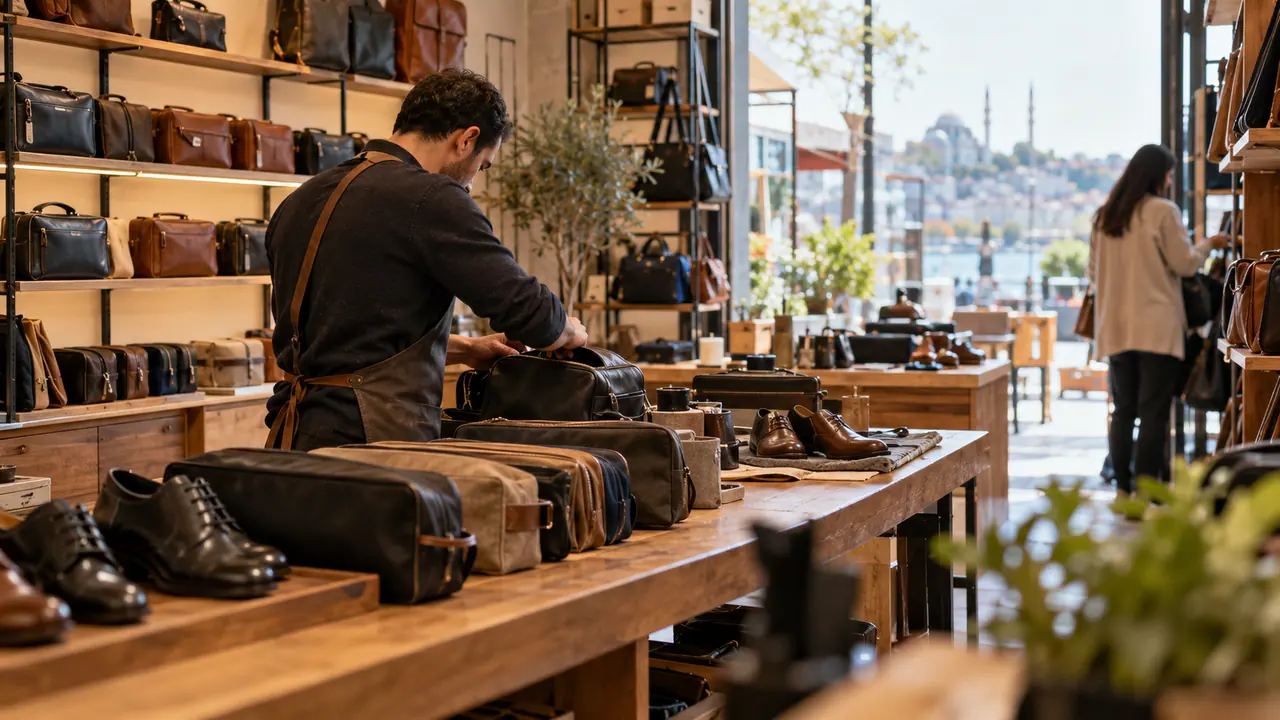 Shoes & bags storeAnother business
2Era sets it up
Modules switch on, agents and workflows are prepared, sample records are added.
3Connect your channels
Connect your accounts once so every message lands in one inbox.
 WhatsAppConnect
 InstagramConnect
 GmailConnect
 Google CalendarConnect
4Start
Your agents are ready. Type or say what you need to Era.
Runs on your own Claude or ChatGPT subscription, or your API key.