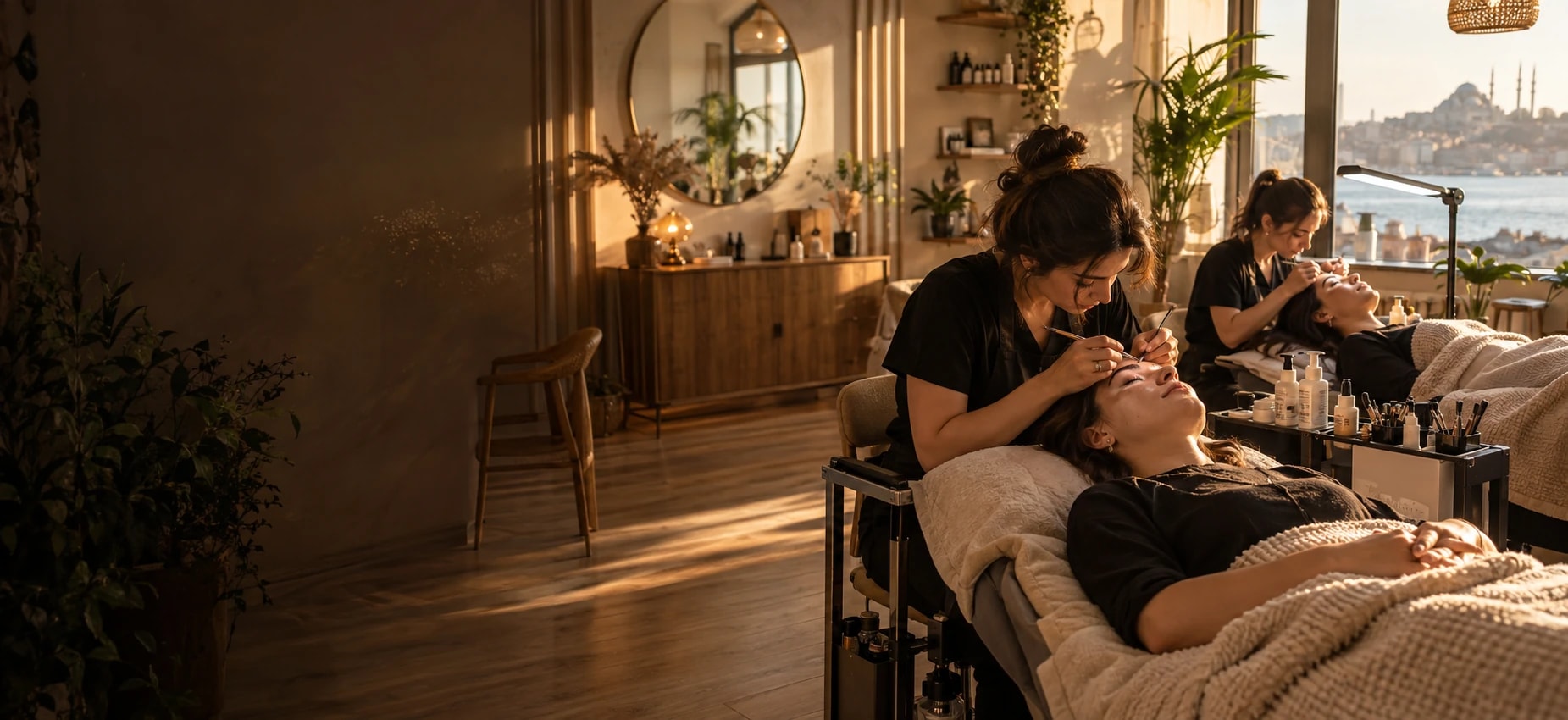
Era for your brow & lash studio.
Lash extensions, lifts and brow lamination — with patch tests, refills and aftercare handled.
Is your work spread over 7 tools that don’t know each other?
Bookings in one place, messages in another, payments in a sheet. A change stays in one tool before it reaches the people who need it.
Tool logos are examples; they imply no partnership or endorsement.
Era brings them into one place. A few of the apps you can connect
All apps- WhatsApp Business
- Facebook Messenger
- Gmail
- Google Calendar
- Google Business Profile
- Outlook
- iyzico
- PayTR
- Stripe
- Paraşüt
- Uyumsoft
- Google Drive
- Google Sheets
- Microsoft Teams
- Telegram







Logos show apps you can connect; they do not imply a partnership.
Same week. Same team. A different day.
Lash lifts and microblading touch-ups come back at set intervals; clients ask to book on Instagram. Before-and-after photos are kept for every treatment.

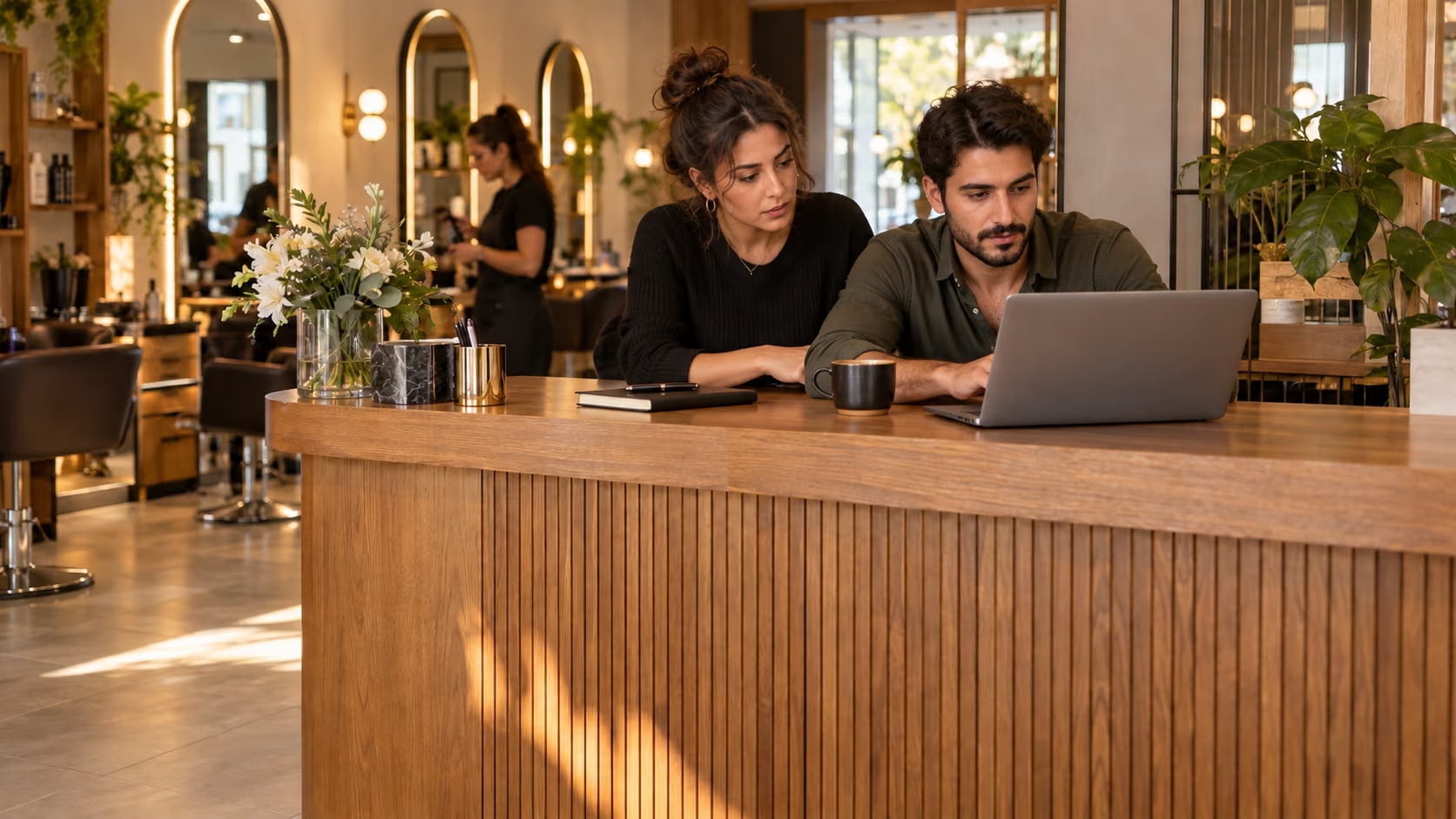
Brow & lash studio: the same work, today and with Era.
- Today: Double booking. Two clients booked at the same time; one is waiting at the door. — Era: Specialist calendars. Each specialist has their own hours; taken slots never show online.
- Today: No-shows. The reminder was forgotten; the chair sat empty for an hour. — Era: Automatic reminders. A WhatsApp or SMS goes the day before; the reply lands on the card.
- Today: Package sessions. Nobody knows how many sessions are left. — Era: Package counter. Each visit counts down the package; what’s left is on the card.
- Today: Client notes. Colour formulas and skin notes live in a notebook or memory. — Era: Client card. Formula, consent and past services on one card.
Drag the line or use the arrow keys. Example scene.
One workspace. Your whole business.
Setup switches 7 sections on together: appointments, packages, gift cards, inbox and more. The table is a sample filled with the setup’s real services.
 Appointments/Today’s bookings
Ready for brow & lash studio. Working from day one.
Everything switched on at setup comes from this business type’s own list: services, teammates, workflows and sections.
Workflows that run themselves
Wired to real events; switch them on, off or change them in plain words.
Your price list, ready on day one
It arrives as a sample; replace it with your own services and prices in the first step.
Brow & lash studio
Your teammates are ready
They work by your rules and ask you first before messaging, paying or deleting.
Ask your workspace
Ask a question; get the answer with the records behind it.
Whose package runs out tomorrow?
Three of tomorrow’s clients are on their last package session. I can send a renewal offer with the booking confirmation — I’ll show it to you first.
Sections on from day one
7 sections switch on together; turn off what you don’t need, add more later.


Before you start
The lash concierge checks the patch-test date on the client’s Lash & brow card before booking. You can also switch on the “patch-test reminder 2 days before” workflow under Workflows.
Open the client — the Lash & brow card has the lash map, style, glue notes, brow notes and whether the consent form is signed.
Yes — once WhatsApp is connected (Inbox → Settings → Channels), every client gets the 24-hour care rules three hours after her appointment starts.
Marketing → Campaigns has a draft “Refill time” WhatsApp message for clients not seen for 25 days. Review it and schedule it.
Appointments, Packages, Gift cards, Inbox, Campaigns, Website, AI; 11 ready services and products, 3 teammates, 3 workflows, 16 notification rules and a website theme.
Yes. Switch on “start with sample data” during setup to get realistic customers, records and history; remove them in one step when you are ready.
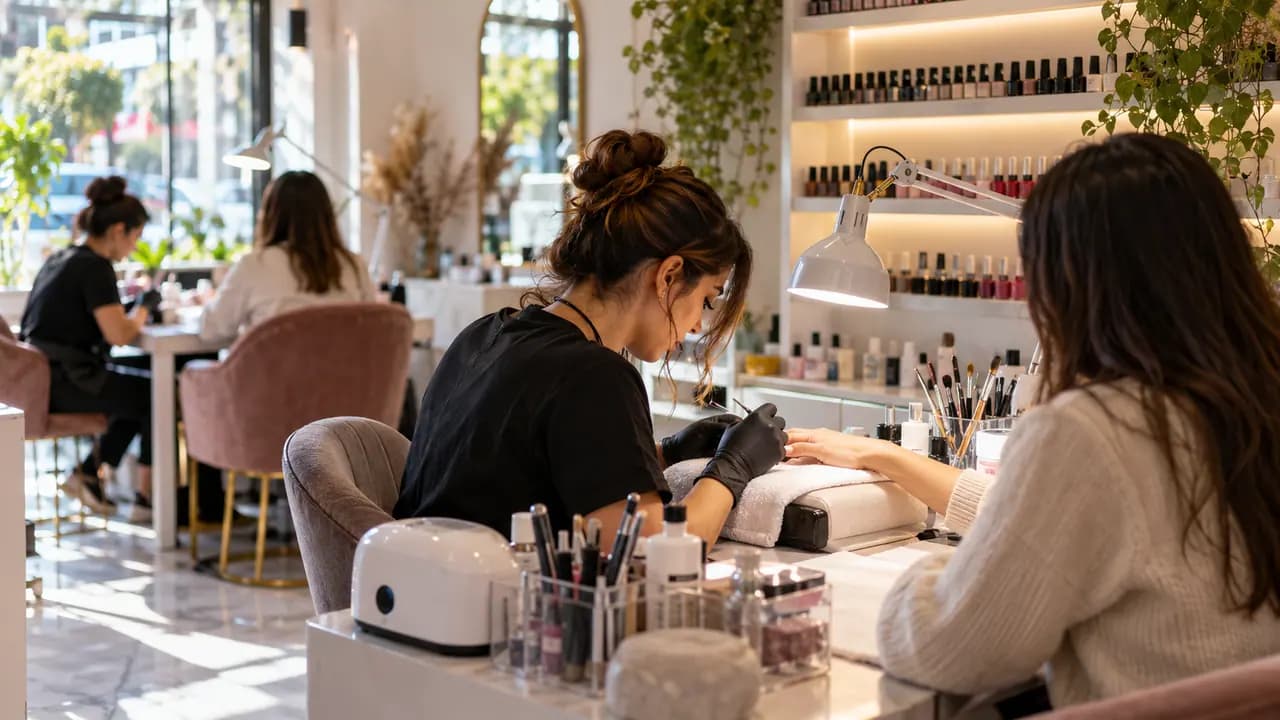
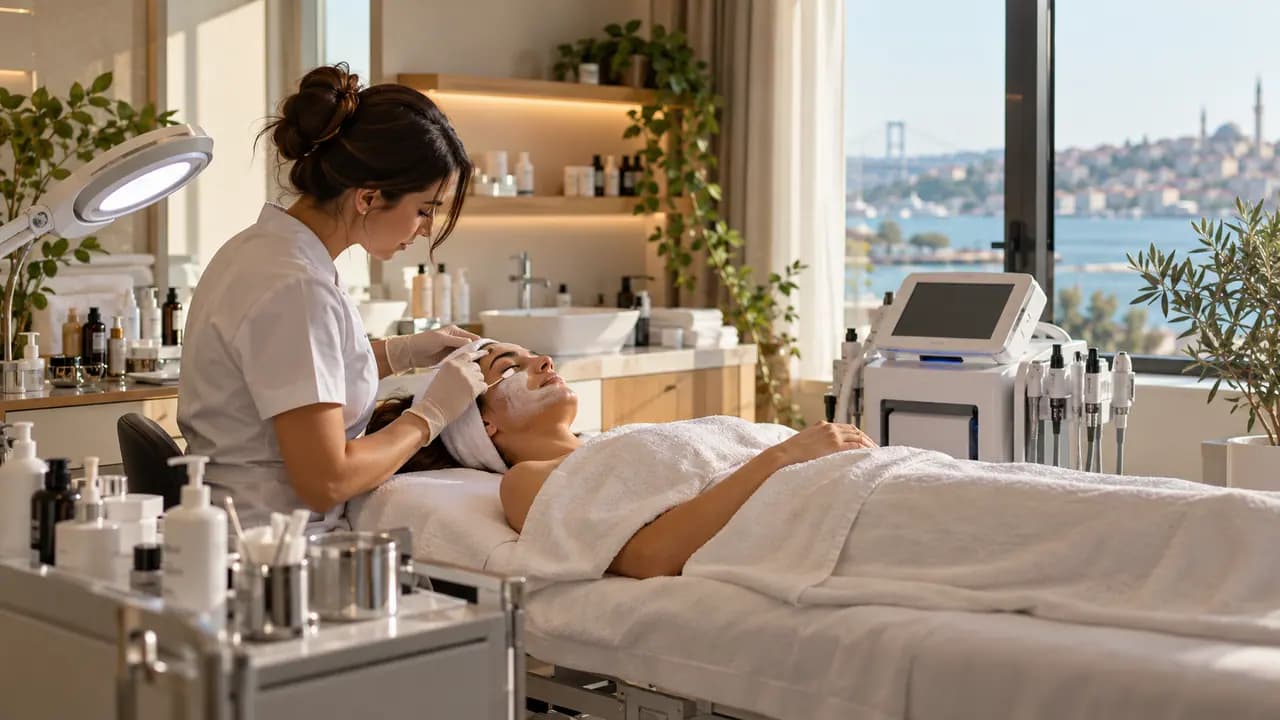
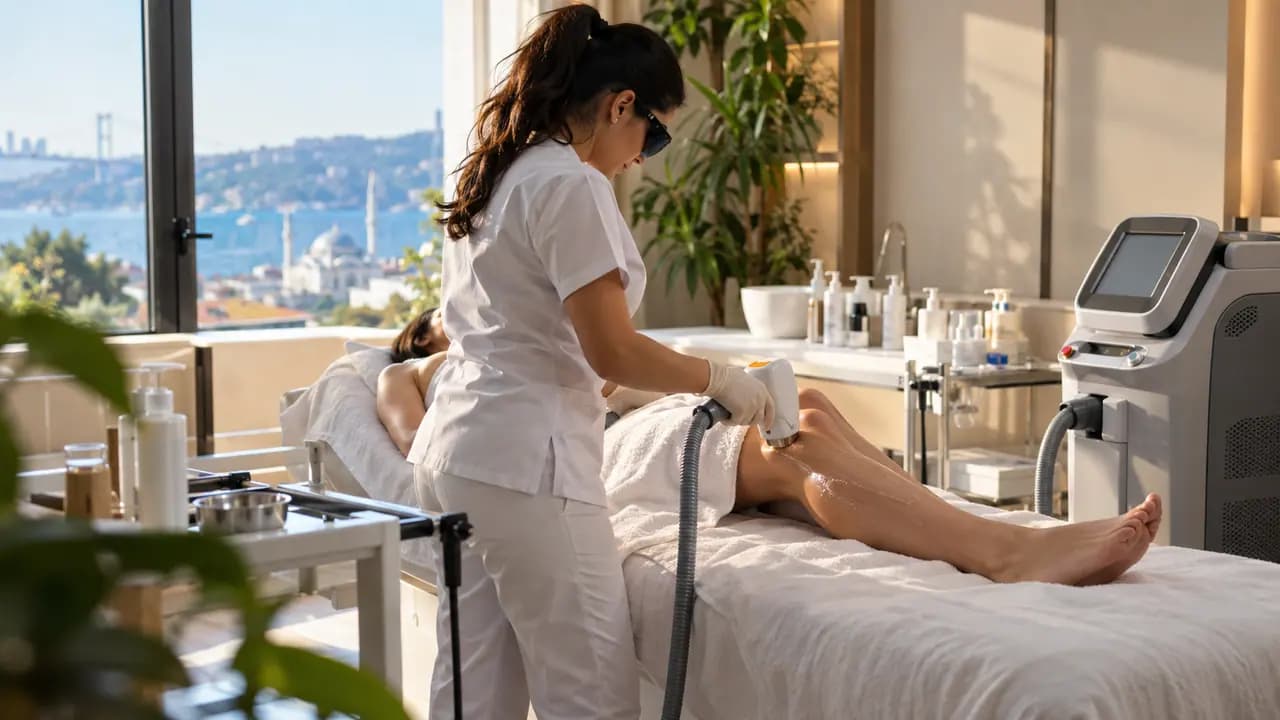


Keep the salon full and the calendar tidy.
Describe your business in a sentence and Era sets up services, teammates and workflows to match. It runs on your own AI subscription.
Start with Era