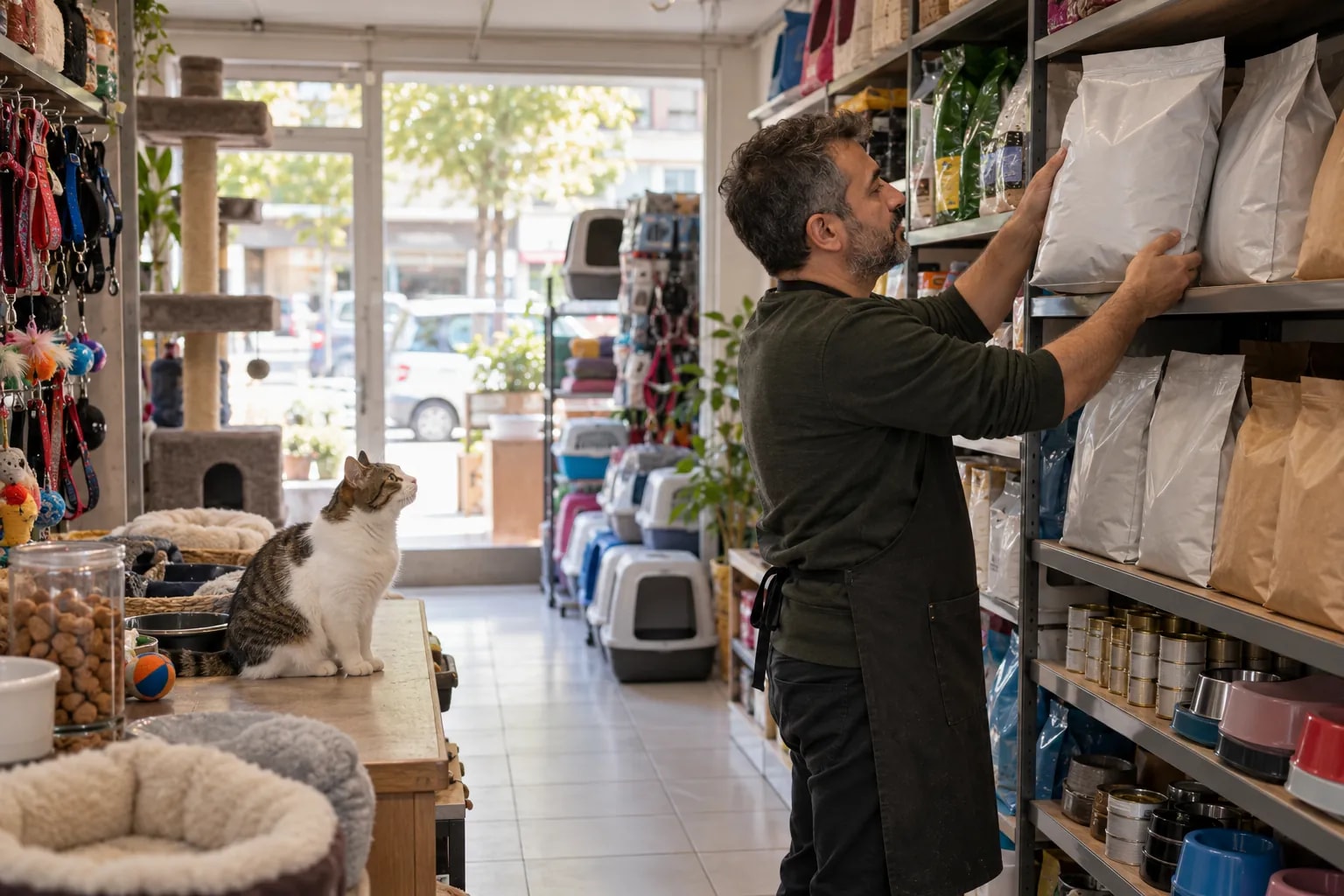
Era for your pet shop.
Food and supplies with stock, monthly food delivery that renews itself, and every pet on file.
Is your work spread over 8 tools that don’t know each other?
Bookings in one place, messages in another, payments in a sheet. A change stays in one tool before it reaches the people who need it.
Tool logos are examples; they imply no partnership or endorsement.
Era brings them into one place. A few of the apps you can connect
All apps- Trendyol
- Hepsiburada
- n11
- Amazon
- Çiçeksepeti
- Shopify
- ikas
- WooCommerce
- iyzico
- PayTR
- Yurtiçi Kargo
- Aras Kargo
- MNG Kargo
- HepsiJet
- Paraşüt







Logos show apps you can connect; they do not imply a partnership.
Same week. Same team. A different day.
Pet food runs out on a schedule; customers want the same bag every month and heavy cat litter delivered home. Aquarium and accessory questions arrive on WhatsApp.


Pet shop: the same work, today and with Era.
- Today: Sold out after selling. The site sold it; the shelf was empty. — Era: One stock. Shop, site and marketplace draw from one stock.
- Today: Lost orders. A WhatsApp order is on nobody’s list. — Era: Order list. Orders from every channel in one list and on the customer’s card.
- Today: Returns mess. Which item came back and whether it was refunded is unclear. — Era: Returns flow. Returns attach to the order; stock and payment update together.
- Today: Quiet customers. Nobody told a frequent buyer about the new arrival. — Era: Campaigns. Announcements go to customers chosen by what they buy.
Drag the line or use the arrow keys. Example scene.
One workspace. Your whole business.
Setup switches 7 sections on together: shop, product types, subscriptions, invoices and more. The table is a sample filled with the setup’s real services.
 Shop/Today’s orders
Ready for pet shop. Working from day one.
Everything switched on at setup comes from this business type’s own list: services, teammates, workflows and sections.
Workflows that run themselves
Wired to real events; switch them on, off or change them in plain words.
Your price list, ready on day one
It arrives as a sample; replace it with your own services and prices in the first step.
Pet shop
Your teammates are ready
They work by your rules and ask you first before messaging, paying or deleting.
Ask your workspace
Ask a question; get the answer with the records behind it.
What sold most this week?
Two of the top three came from the marketplace, and one is nearly sold out. A supplier order draft is ready — approve it and I’ll send it.
Sections on from day one
7 sections switch on together; turn off what you don’t need, add more later.


Before you start
Open the customer → Subscriptions → Start. Name it after the food, set the monthly amount (5% off the shelf price) and the start day; every month a delivery task and a WhatsApp note are created.
On the Pets card: species, names, breed, age, usual food and any vet diet. The WhatsApp assistant reads it when the customer orders.
Yes — unpaid orders are allowed, so a WhatsApp order is created at once and paid on delivery.
When a food falls to 4 bags you get a reorder task; the dashboard shows the best-selling foods of the last 60 days.
Shop, Product types, Subscriptions, Invoices, Inbox, Website, AI; 4 ready services and products, 3 teammates, 4 workflows, 16 notification rules and a website theme.
Yes. Switch on “start with sample data” during setup to get realistic customers, records and history; remove them in one step when you are ready.







Run shelf, site and marketplace from one stock.
Describe your business in a sentence and Era sets up services, teammates and workflows to match. It runs on your own AI subscription.
Start with Era