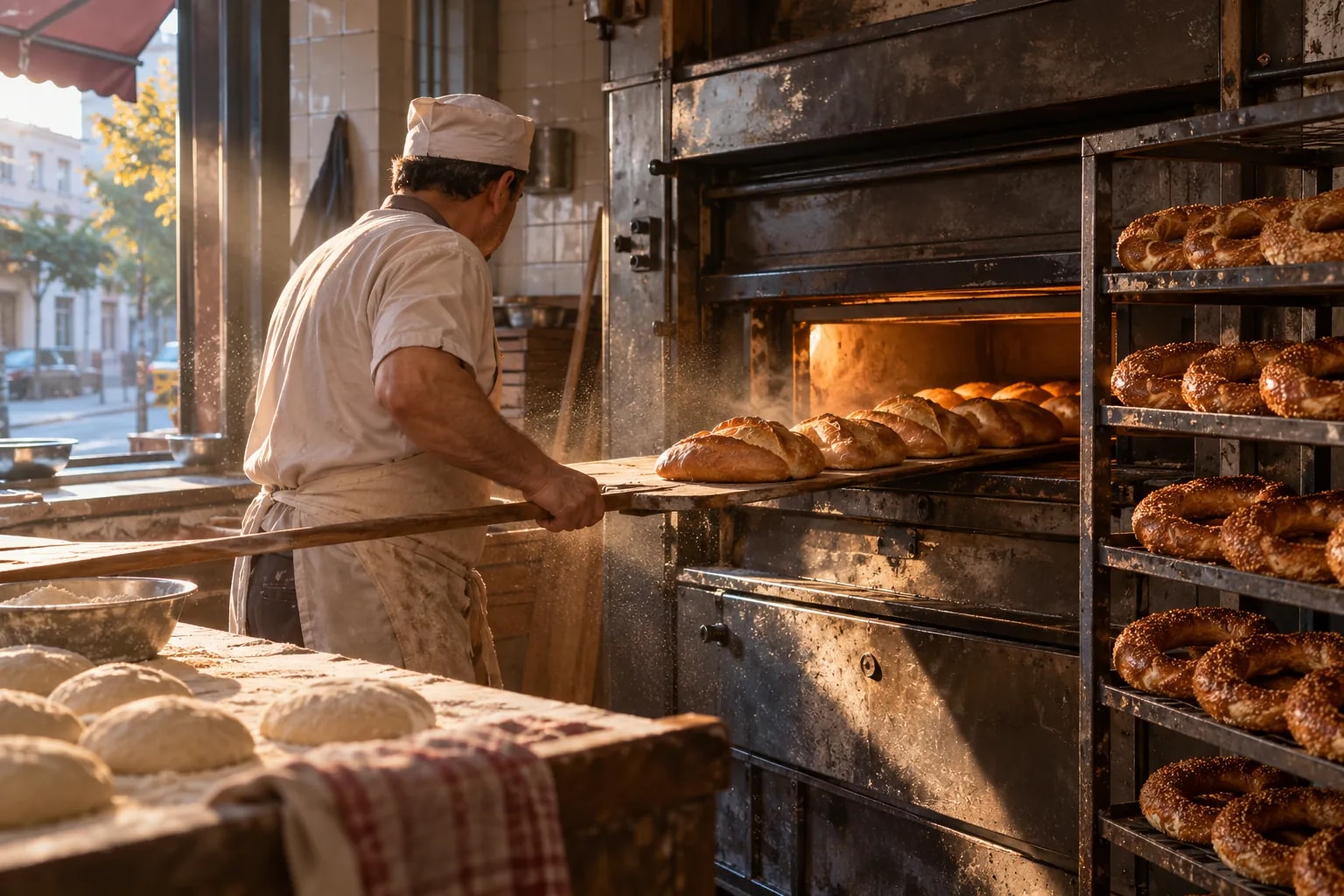
Era for your bakery & patisserie.
Custom cake orders with a pick-up day, tomorrow’s production list, and cafés buying daily on account.
Is your work spread over 7 tools that don’t know each other?
Bookings in one place, messages in another, payments in a sheet. A change stays in one tool before it reaches the people who need it.
Tool logos are examples; they imply no partnership or endorsement.
Era brings them into one place. A few of the apps you can connect
All apps- Trendyol
- Hepsiburada
- n11
- Amazon
- Çiçeksepeti
- Shopify
- ikas
- WooCommerce
- iyzico
- PayTR
- Yurtiçi Kargo
- Aras Kargo
- MNG Kargo
- HepsiJet
- Paraşüt







Logos show apps you can connect; they do not imply a partnership.
Same week. Same team. A different day.
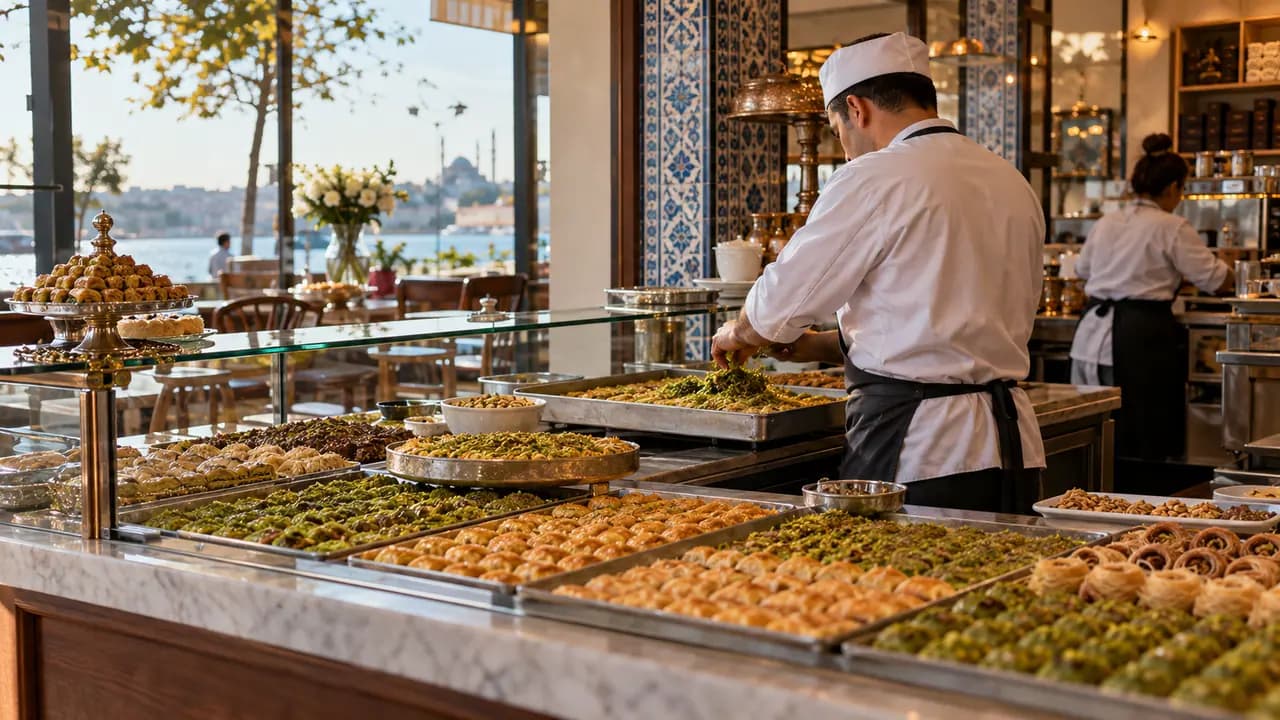
The oven works at night and the counter must be full by six. During the day cake orders come in with an inscription and pickup time; cafés and offices get regular wholesale deliveries.


Bakery & patisserie: the same work, today and with Era.
- Today: Lost reservations. A phone booking never reached the book; two parties, one table. — Era: Table bookings. Site, phone and WhatsApp bookings share one table plan.
- Today: Scattered orders. Delivery orders wait on three different screens. — Era: One order list. Orders from your own site reach kitchen and till together.
- Today: Running out. Flour ran out in the middle of dinner service. — Era: Menu and stock. Sold items count down stock; low items raise a flag.
- Today: Forgotten regulars. Only one waiter knows the usual order. — Era: Loyalty card. The regular’s order and points are on their card; offers follow.
Drag the line or use the arrow keys. Example scene.
One workspace. Your whole business.
Setup switches 7 sections on together: shop, sales, quotes, invoices and more. The table is a sample filled with the setup’s real services.
 Shop/Today’s orders
Ready for bakery & patisserie. Working from day one.
Everything switched on at setup comes from this business type’s own list: services, teammates, workflows and sections.
Workflows that run themselves
Wired to real events; switch them on, off or change them in plain words.
Your price list, ready on day one
It arrives as a sample; replace it with your own services and prices in the first step.
Bakery & patisserie
Your teammates are ready
They work by your rules and ask you first before messaging, paying or deleting.
Ask your workspace
Ask a question; get the answer with the records behind it.
Do we have enough for tonight?
Based on bookings and last Friday, two ingredients are running low. I’ve drafted a supplier order and will show it to you before sending.


Before you start
Yes. “Basic food 1%” is for bread, “Food 10%” for pastries and cakes. Pick the class when you add a product.
Create an order with the custom cake and write the day, size, flavour and writing in the note. Orders wait for you to confirm, so nothing goes into production before the deposit.
Every day at 16:00 a task asks you to go through tomorrow’s orders. Shop → Orders filtered by unconfirmed shows what is still waiting.
Send them a monthly price quote; when they accept and you approve, invoices are issued on 30-day terms. Finance → Receivables shows what each owes.
Shop, Sales, Quotes, Invoices, Inbox, Website, AI; 4 ready services and products, 3 teammates, 5 workflows, 18 notification rules and a website theme.
Yes. Switch on “start with sample data” during setup to get realistic customers, records and history; remove them in one step when you are ready.

Run one flow from kitchen to till.
Describe your business in a sentence and Era sets up services, teammates and workflows to match. It runs on your own AI subscription.
Start with Era