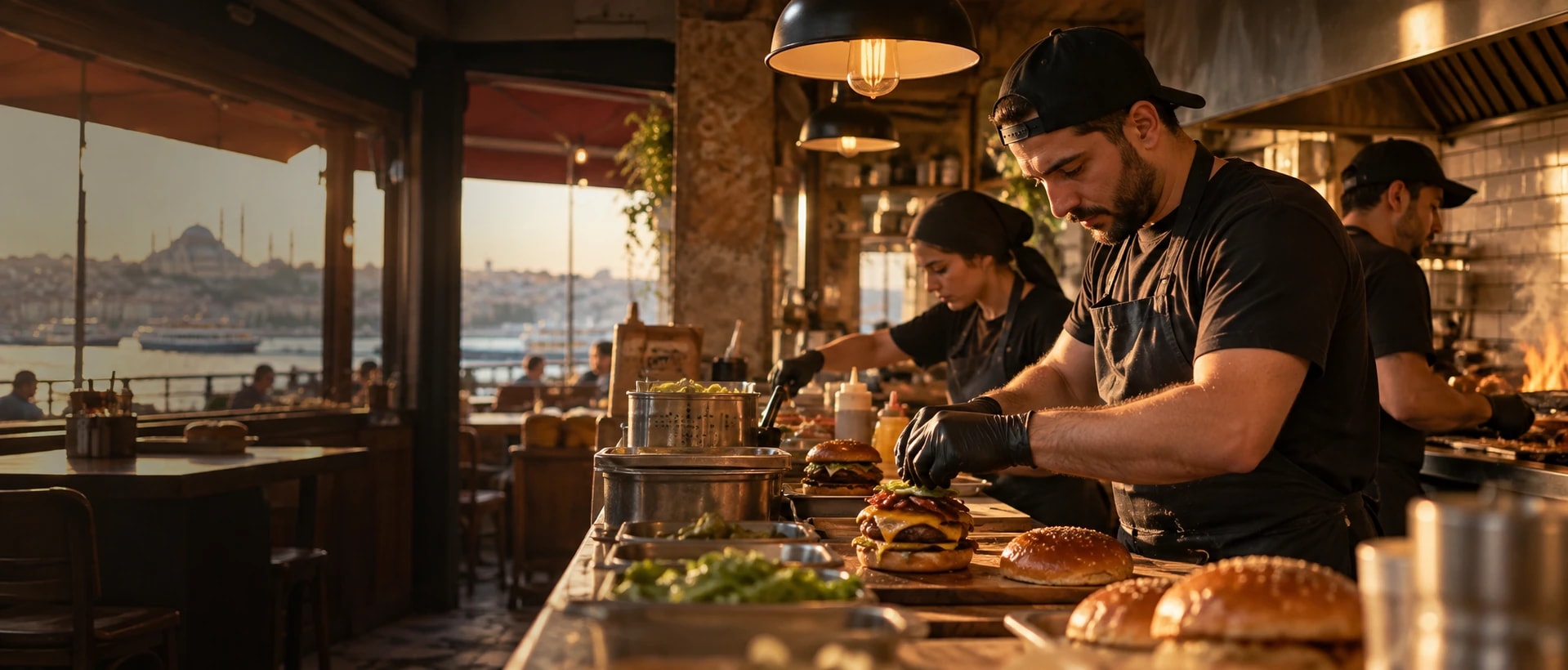
Era for your fast food & burger.
Menus and extras, first-order codes, Tuesday deals, order-ready messages and win-back campaigns.
Is your work spread over 7 tools that don’t know each other?
Bookings in one place, messages in another, payments in a sheet. A change stays in one tool before it reaches the people who need it.
Tool logos are examples; they imply no partnership or endorsement.
Era brings them into one place. A few of the apps you can connect
All apps- Trendyol
- Hepsiburada
- n11
- Amazon
- Çiçeksepeti
- Shopify
- ikas
- WooCommerce
- iyzico
- PayTR
- Yurtiçi Kargo
- Aras Kargo
- MNG Kargo
- HepsiJet
- Paraşüt







Logos show apps you can connect; they do not imply a partnership.
Same week. Same team. A different day.
At lunch and dinner orders must be ready in minutes; counter, website and delivery orders all hit the same kitchen. Promotions and menu prices change often.
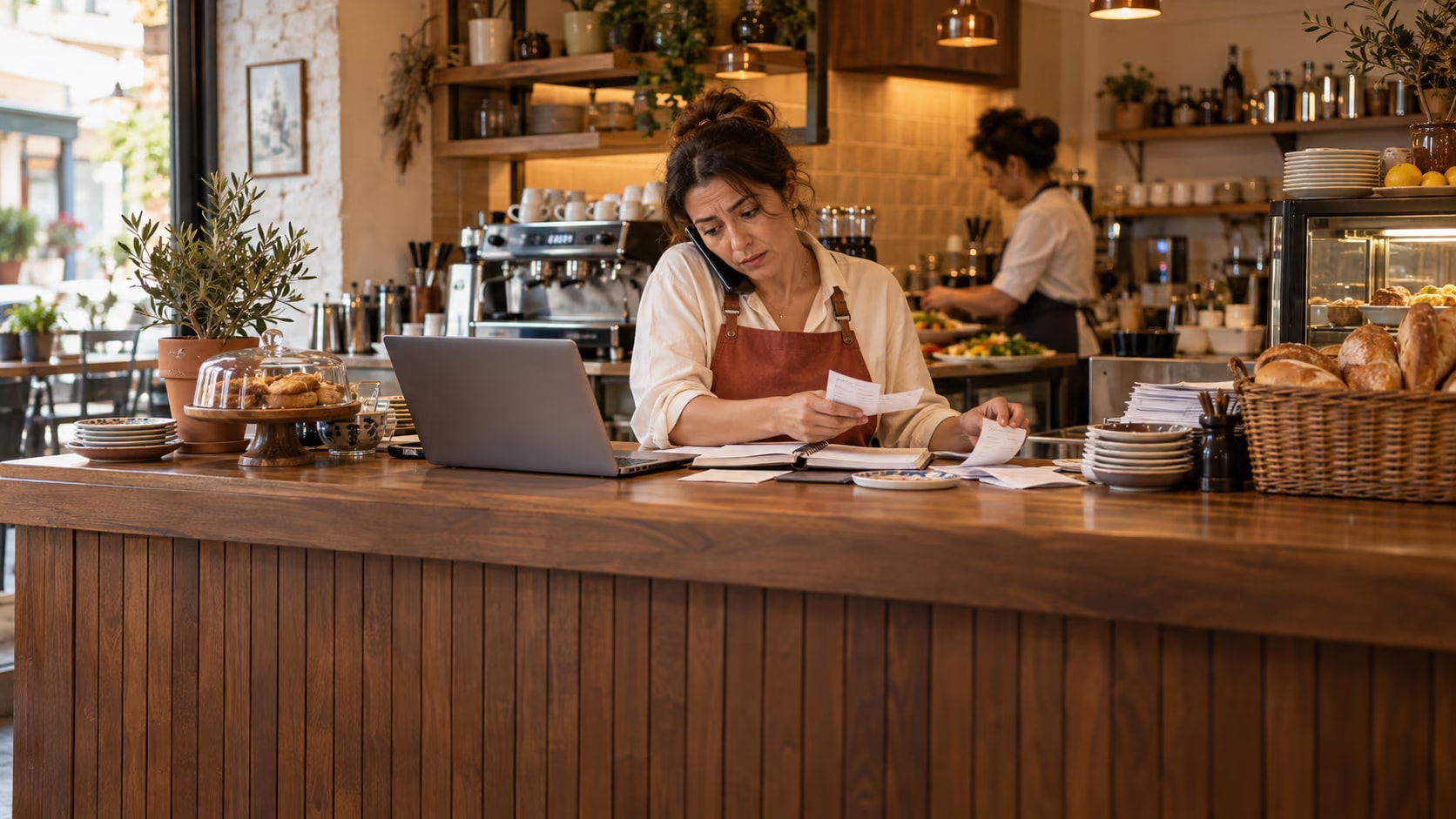

Fast food & burger: the same work, today and with Era.
- Today: Lost reservations. A phone booking never reached the book; two parties, one table. — Era: Table bookings. Site, phone and WhatsApp bookings share one table plan.
- Today: Scattered orders. Delivery orders wait on three different screens. — Era: One order list. Orders from your own site reach kitchen and till together.
- Today: Running out. Flour ran out in the middle of dinner service. — Era: Menu and stock. Sold items count down stock; low items raise a flag.
- Today: Forgotten regulars. Only one waiter knows the usual order. — Era: Loyalty card. The regular’s order and points are on their card; offers follow.
Drag the line or use the arrow keys. Example scene.
One workspace. Your whole business.
Setup switches 6 sections on together: shop, discounts, inbox, website and more. The table is a sample filled with the setup’s real services.
 Shop/Today’s orders
Ready for fast food & burger. Working from day one.
Everything switched on at setup comes from this business type’s own list: services, teammates, workflows and sections.
Workflows that run themselves
Wired to real events; switch them on, off or change them in plain words.
Your price list, ready on day one
It arrives as a sample; replace it with your own services and prices in the first step.
Fast food & burger
Your teammates are ready
They work by your rules and ask you first before messaging, paying or deleting.
Ask your workspace
Ask a question; get the answer with the records behind it.
Do we have enough for tonight?
Based on bookings and last Friday, two ingredients are running low. I’ve drafted a supplier order and will show it to you before sending.


Before you start
Menus are their own products (burger + fries + drink) in the Menus category, priced below the three separately.
Shop → Discounts → Promotions: “Tuesday: 15% off menus” is set for next Tuesday. Duplicate it for the following weeks or change the category.
Campaigns → “Burger craving” goes on WhatsApp to everybody who has not ordered in 30 days. Edit the offer and send it.
Switch on Apps in Settings → Modules and connect the platform; its orders arrive with yours.
Shop, Discounts, Inbox, Website, Campaigns, AI; 4 ready services and products, 3 teammates, 3 workflows, 15 notification rules and a website theme.
Yes. Switch on “start with sample data” during setup to get realistic customers, records and history; remove them in one step when you are ready.

Run one flow from kitchen to till.
Describe your business in a sentence and Era sets up services, teammates and workflows to match. It runs on your own AI subscription.
Start with Era