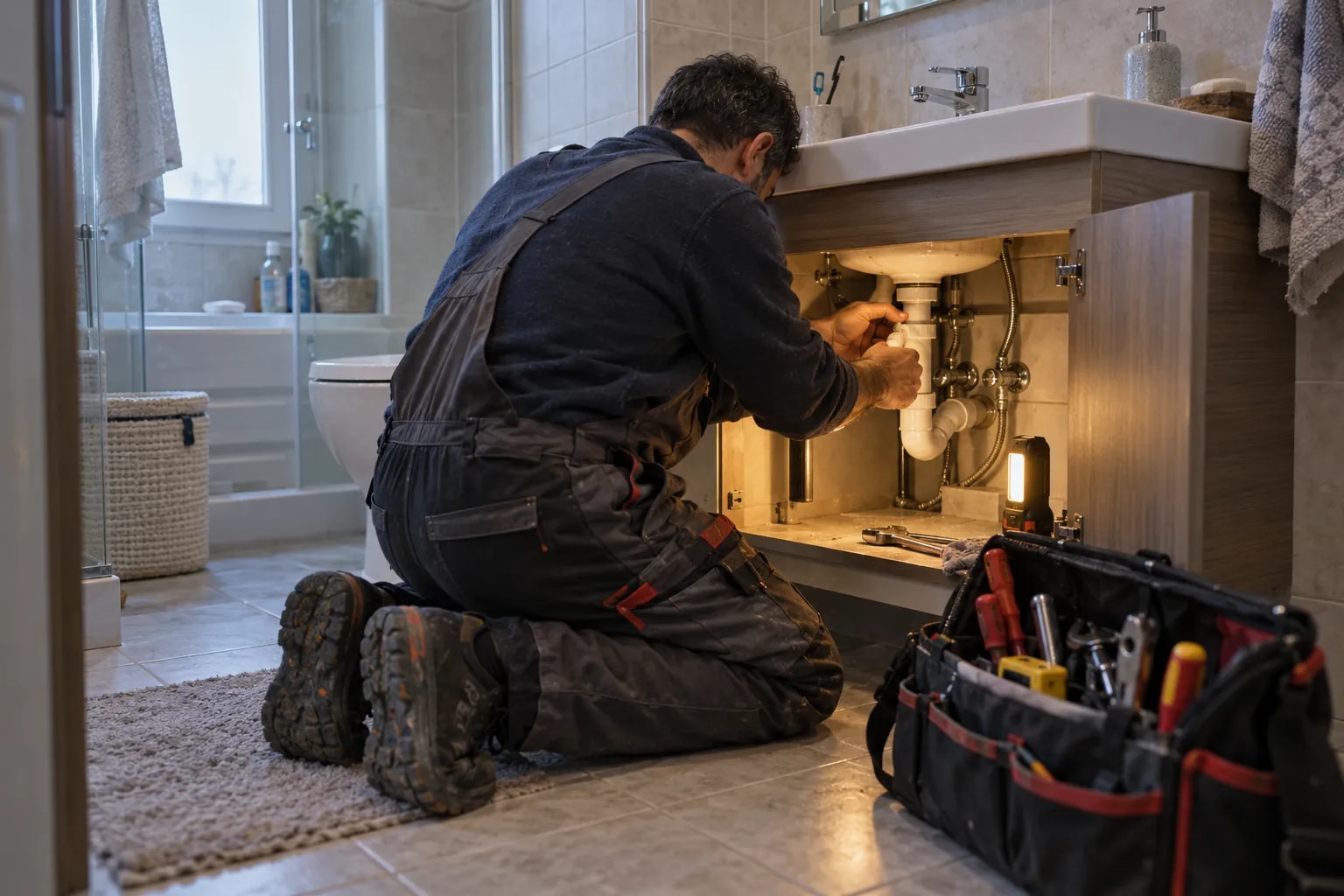
Era for your plumber.
Urgent call-outs triaged from WhatsApp, same-day visits, leak-detection quotes and a review after every job.
Is your work spread over 7 tools that don’t know each other?
Bookings in one place, messages in another, payments in a sheet. A change stays in one tool before it reaches the people who need it.
Tool logos are examples; they imply no partnership or endorsement.
Era brings them into one place. A few of the apps you can connect
All apps- WhatsApp Business
- Facebook Messenger
- Gmail
- Google Calendar
- Google Business Profile
- Outlook
- iyzico
- PayTR
- Stripe
- Paraşüt
- Uyumsoft
- Google Drive
- Google Sheets
- Microsoft Teams
- Telegram







Logos show apps you can connect; they do not imply a partnership.
Same week. Same team. A different day.
Breakdown calls come all day and the plumber drives from job to job; a price follows the inspection with parts and labour listed. Emergencies jump the queue.


Plumber: the same work, today and with Era.
- Today: Missed call-outs. The breakdown message never reached the team; the customer called twice. — Era: Same-day dispatch. The call is booked and assigned to an available technician.
- Today: Forgotten servicing. The annual service passed; the customer went elsewhere. — Era: Care plans. When it’s due, the customer is invited and books themselves.
- Today: Second visits. The needed part wasn’t in the van. — Era: Work orders. Unit, parts and notes on the work order before the technician leaves.
- Today: Unbilled work. The job is done; the form waits on a desk. — Era: Job to invoice. A completed job becomes an invoice with a payment link.
Drag the line or use the arrow keys. Example scene.
One workspace. Your whole business.
Setup switches 7 sections on together: home service, appointments, quotes, invoices and more. The table is a sample filled with the setup’s real services.
 Home service/Today’s visits
Ready for plumber. Working from day one.
Everything switched on at setup comes from this business type’s own list: services, teammates, workflows and sections.
Workflows that run themselves
Wired to real events; switch them on, off or change them in plain words.
Your price list, ready on day one
It arrives as a sample; replace it with your own services and prices in the first step.
Plumber
Your teammates are ready
They work by your rules and ask you first before messaging, paying or deleting.
Ask your workspace
Ask a question; get the answer with the records behind it.
Whose service is due this month?
Twelve customers are due this month, four in the same district. I’ve drafted invitations and can group them on one day — I’ll ask before sending.
Sections on from day one
7 sections switch on together; turn off what you don’t need, add more later.


Before you start
The emergency assistant marks flood and leak messages urgent and creates a task. Book the visit from the conversation, then dispatch it from Field service — the customer is told when you leave.
Put ₺600 in the discount of the labour line on the repair quote. The sample quote shows how.
When you close the visit with notes, the quote writer drafts the repair quote. Check it in Quotes, then send — the customer can accept from the link.
Create the invoice from the visit, issue it and mark it paid (cash or card). Everything you collected shows on the dashboard.
On the customer’s Property plumbing card. Next time you or a colleague goes, it is already there.
Home service, Appointments, Quotes, Invoices, Inbox, Website, AI; 8 ready services and products, 3 teammates, 5 workflows, 19 notification rules and a website theme.
Yes. Switch on “start with sample data” during setup to get realistic customers, records and history; remove them in one step when you are ready.





Send technicians out with everything they need.
Describe your business in a sentence and Era sets up services, teammates and workflows to match. It runs on your own AI subscription.
Start with Era