
Era for manufacturers.
Dealer and project sales for your own product range: technical quotes, factory stock, production lead times and net-30 invoicing.
Is your work spread over 7 tools that don’t know each other?
Bookings in one place, messages in another, payments in a sheet. A change stays in one tool before it reaches the people who need it.
Tool logos are examples; they imply no partnership or endorsement.
Era brings them into one place. A few of the apps you can connect
All apps- Trendyol
- Hepsiburada
- n11
- Amazon
- Çiçeksepeti
- Shopify
- ikas
- WooCommerce
- iyzico
- PayTR
- Yurtiçi Kargo
- Aras Kargo
- MNG Kargo
- HepsiJet
- Paraşüt







Logos show apps you can connect; they do not imply a partnership.
Same week. Same team. A different day.
Quote, order, production plan and shipment; dealer networks and projects get different prices. Technical documents and sample requests are the sales team’s daily work.


Manufacturer: the same work, today and with Era.
- Today: Missed orders. An emailed order never entered the production plan. — Era: Order to work order. An approved quote becomes an order, then a work order.
- Today: Missing materials. Production started; materials ran out halfway. — Era: Stock and supply. Low stock prepares a supplier order draft.
- Today: Unclear delivery. The customer keeps asking where the order is. — Era: Status updates. Each stage change notifies the customer.
- Today: Disconnected invoices. The shipment left; the invoice came a week later. — Era: Shipment to invoice. A completed shipment creates the invoice with its terms.
Drag the line or use the arrow keys. Example scene.
One workspace. Your whole business.
Setup switches 12 sections on together: sales, quotes, shop, invoices and more. The table is a sample filled with the setup’s real services.
 Sales/Open orders
Ready for manufacturer. Working from day one.
Everything switched on at setup comes from this business type’s own list: services, teammates, workflows and sections.
Workflows that run themselves
Wired to real events; switch them on, off or change them in plain words.
Your price list, ready on day one
It arrives as a sample; replace it with your own services and prices in the first step.
Manufacturer
Your teammates are ready
They work by your rules and ask you first before messaging, paying or deleting.
Ask your workspace
Ask a question; get the answer with the records behind it.
Which orders could be late this week?
Two orders are waiting on materials; one is due Friday. I’ve drafted the supplier order and a note to the customer — I’ll show you both before sending.


Before you start
Open the lead and choose Request documents. The customer gets a link to upload the floor plan and the fixture list; you are notified when they arrive and can approve or send them back.
Catalogue → open the product → Technical data card: power, lumen, colour temperature, IP rating and the datasheet link. They show on quotes your team prepares.
Accepting a quote opens an agreement. The “Quote accepted → approve → invoice” workflow asks you to approve it; after that the invoice is drafted and issued with 30-day terms.
Write the dealer discount on the customer’s Trade account card, and apply it as a line discount when you build the quote or order. For a standing price list, switch on Discounts in Settings → Modules.
The production planner compares each line with factory stock. Short lines become tasks in the Production list with a 15-working-day target; the customer is told the lead time on WhatsApp.
Sales, Quotes, Shop, Invoices, Document requests, Inbox, Website, Forms, Campaigns, Team, Reports, AI; 3 ready services and products, 3 teammates, 6 workflows, 19 notification rules and a website theme.
Yes. Switch on “start with sample data” during setup to get realistic customers, records and history; remove them in one step when you are ready.





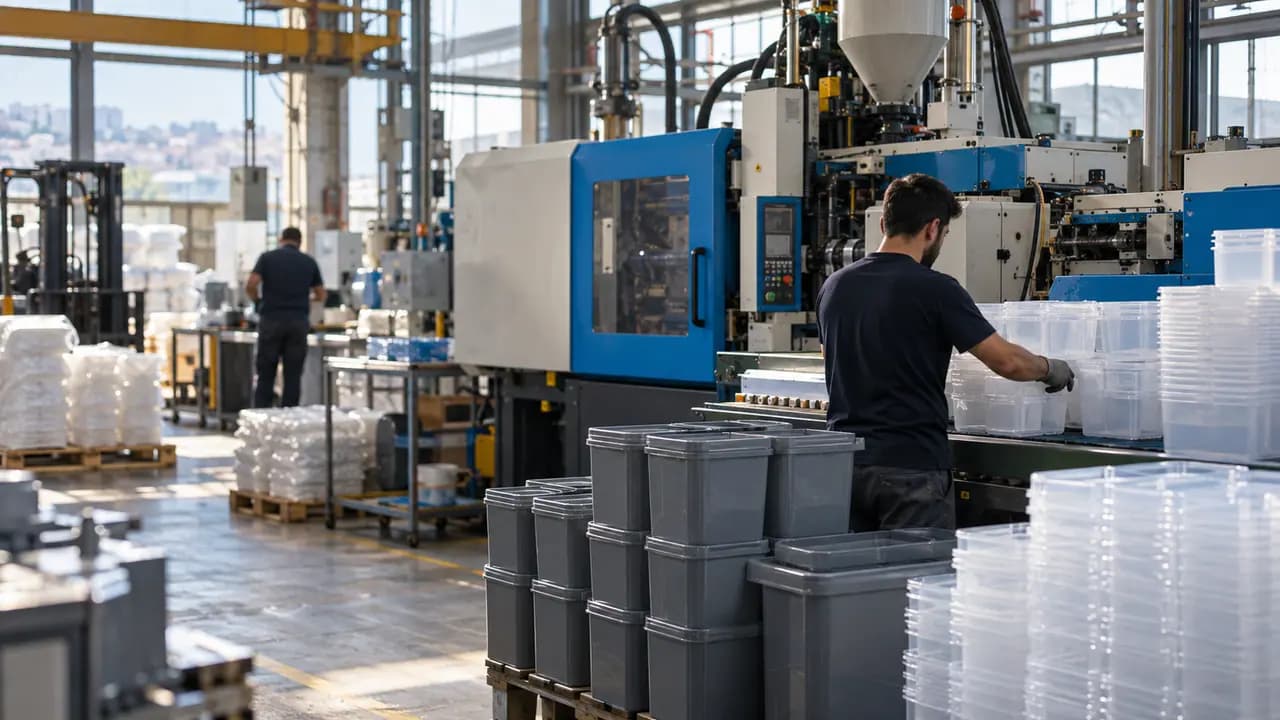

Follow every step from order to shipment.
Describe your business in a sentence and Era sets up services, teammates and workflows to match. It runs on your own AI subscription.
Start with Era