
Era for your metal fabrication.
Drawing-to-invoice for a job shop: drawings collected per enquiry, machine-hour quotes, logged shop hours and net-30 invoices.
Is your work spread over 7 tools that don’t know each other?
Bookings in one place, messages in another, payments in a sheet. A change stays in one tool before it reaches the people who need it.
Tool logos are examples; they imply no partnership or endorsement.
Era brings them into one place. A few of the apps you can connect
All apps- Trendyol
- Hepsiburada
- n11
- Amazon
- Çiçeksepeti
- Shopify
- ikas
- WooCommerce
- iyzico
- PayTR
- Yurtiçi Kargo
- Aras Kargo
- MNG Kargo
- HepsiJet
- Paraşüt







Logos show apps you can connect; they do not imply a partnership.
Same week. Same team. A different day.
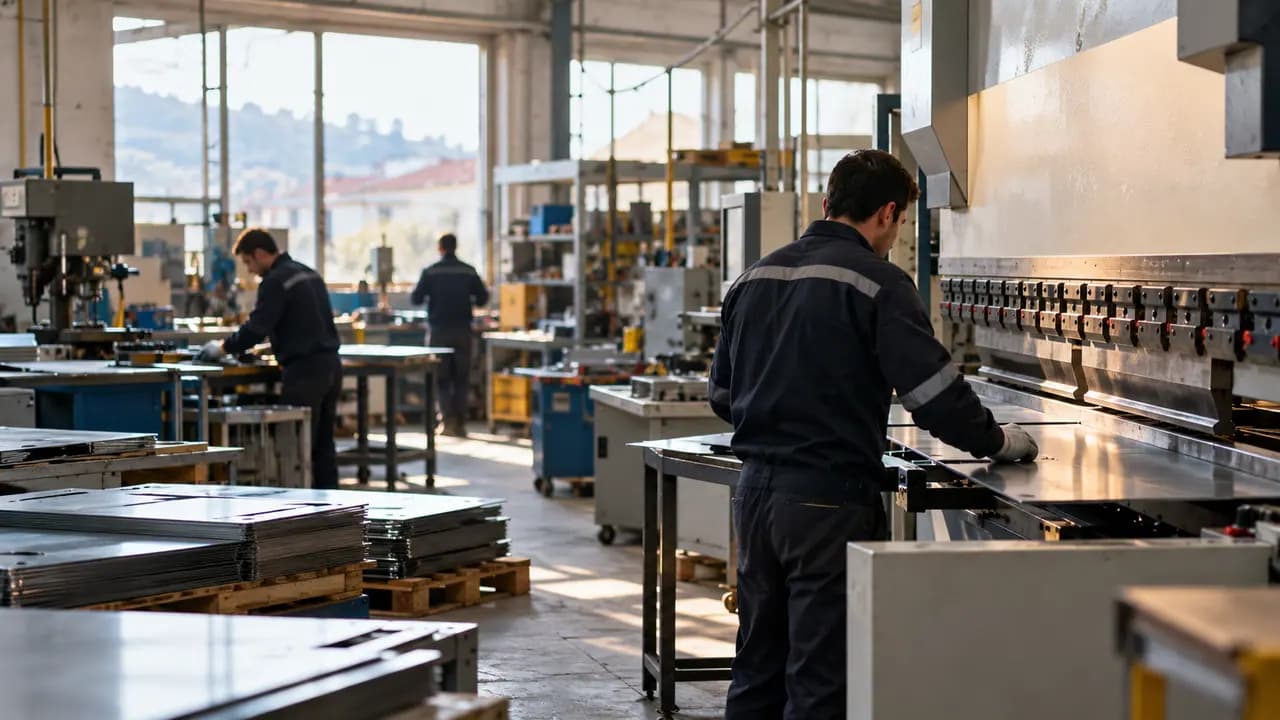
Every job arrives as a drawing; materials and labour are costed and quoted, and approved work queues in the workshop. Due dates and quality records are shared with the customer.


Metal fabrication: the same work, today and with Era.
- Today: Missed orders. An emailed order never entered the production plan. — Era: Order to work order. An approved quote becomes an order, then a work order.
- Today: Missing materials. Production started; materials ran out halfway. — Era: Stock and supply. Low stock prepares a supplier order draft.
- Today: Unclear delivery. The customer keeps asking where the order is. — Era: Status updates. Each stage change notifies the customer.
- Today: Disconnected invoices. The shipment left; the invoice came a week later. — Era: Shipment to invoice. A completed shipment creates the invoice with its terms.
Drag the line or use the arrow keys. Example scene.
One workspace. Your whole business.
Setup switches 7 sections on together: sales, quotes, invoices, document requests and more. The table is a sample filled with the setup’s real services.
 Sales/Open orders
Ready for metal fabrication. Working from day one.
Everything switched on at setup comes from this business type’s own list: services, teammates, workflows and sections.
Workflows that run themselves
Wired to real events; switch them on, off or change them in plain words.
Your site opens with ready pages
Your theme carries your business name; the pages come with the setup.
Your teammates are ready
They work by your rules and ask you first before messaging, paying or deleting.
Ask your workspace
Ask a question; get the answer with the records behind it.
Which orders could be late this week?
Two orders are waiting on materials; one is due Friday. I’ve drafted the supplier order and a note to the customer — I’ll show you both before sending.


Before you start
Open the lead → Request documents. The buyer gets a link for the DXF/STEP files and the parts list; when they arrive you get a costing task.
Catalogue → Machine hours, Labour, Surface treatment and Material. Change a price there and every new quote uses it.
Hours marked billable on a customer are priced at the operation’s rate when you approve the week, and accounting gets a task to invoice them.
You approve the invoice in one click, and the work order planner opens a task per operation — cutting, bending, welding, coating — in the Shop floor list.
Sales, Quotes, Invoices, Document requests, Team, Website, AI; 0 ready services and products, 3 teammates, 4 workflows, 15 notification rules and a website theme.
Yes. Switch on “start with sample data” during setup to get realistic customers, records and history; remove them in one step when you are ready.




Follow every step from order to shipment.
Describe your business in a sentence and Era sets up services, teammates and workflows to match. It runs on your own AI subscription.
Start with Era